












Find answers here, or reach out for more
Answers to Frequently Asked Questions
If you want to talk in person, please don't hesitate to contact us!




About
Pipeup started as a way to let party guests write on the wall with a projector, just for fun.
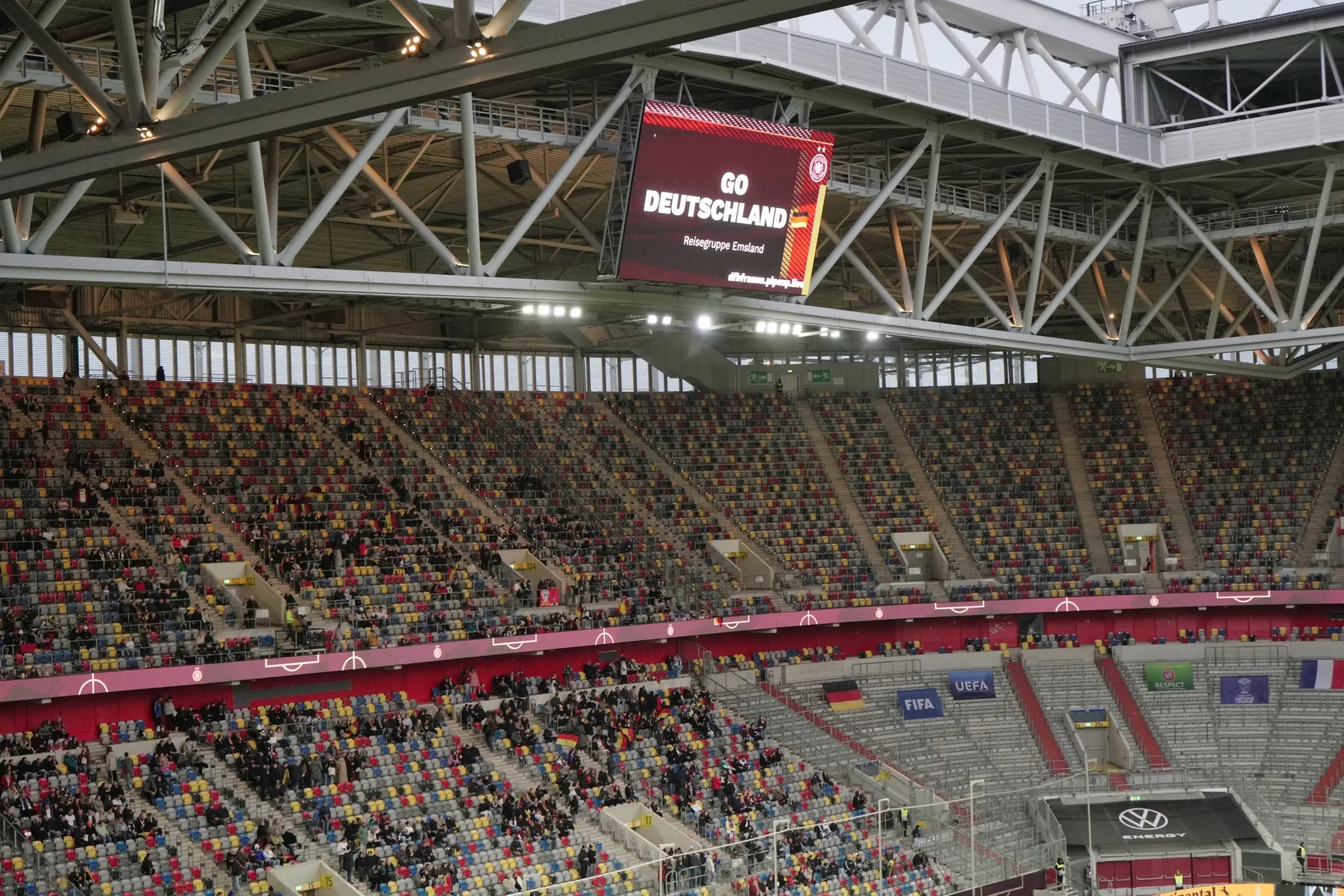
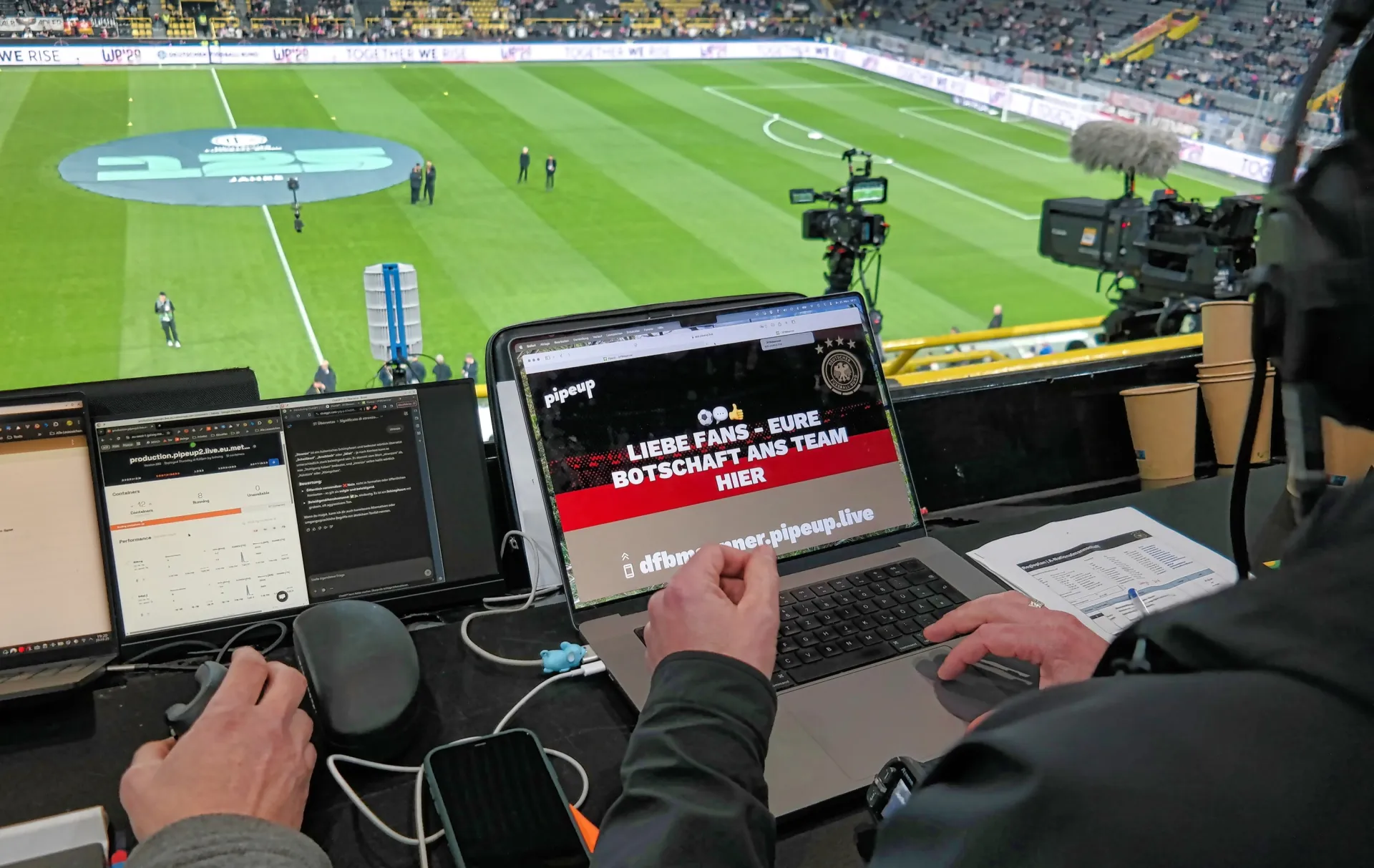
It took years of real events, and a lot of unglamorous fixing and testing on actual matchdays, before it became a platform used by national federations, top-tier clubs, and major sports events across Europe.
We kept the part that made it fun in the first place, and built everything else around making it rock-solid in front of a full stadium.

Rainer, Stefan and Thomas
(still occasionally testing new features at parties first)
Big Picture
How does Pipeup create value for all stakeholders? 
What types of events work best with Pipeup?
How does pricing and revenue sharing work?
Does Pipeup replace our existing fan app?
What data do we get, and who owns it?
How quickly can we go live with Pipeup?
Features
How do you moderate content in real-time?
Can features be used together or separately?
What happens if content volume is too high?
Do fans need to download an app?
How does voting work with live results?
What if fans share inappropriate photos?
Light
How does Pipeup LIGHT work on matchday?
Do fans need to download an app or register?
What technical setup is required in the stadium?
Can LIGHT be branded for clubs and partners?
When can we trigger LIGHT moments during an event?
How quickly can we launch Pipeup LIGHT for our club?
Campaigns
How customizable are campaign elements?
Can we run multiple campaigns simultaneously?
What kind of results can we expect?
How quickly can a campaign be deployed?
Is technical integration complex?
Requirements for Presenting Partner Logos
- 1 transparent logo in vectorized SVG or high-resolution PNG format
- You might prefer a completely white logo for the best color contrast with backgrounds
Requirements for Dynamic Backgrounds
- 1-3 images in PNG format
- Or a video (optionally)
- Pixel resolution and aspect ratio are determined by the venue's video wall
- No text in the image to avoid overlapping with logos and messages
Requirements for Social Sharing
- 1 square image in PNG format
- No text in the image to avoid overlapping with logos and messages
- Optionally 1 square image in PNG format for the upper background (usually 16:9), plus 1 image in PNG format for the branded content below the shared Post/Snap (usually 16:7)
Requirements for Push Notifications
- 1 landscape or square image in PNG format
- Image can contain text like campaign name and description
- Campaign partner
- Campaign name
- Campaign description (100 characters max.)
- Validity date
- Age query Yes/No
- Target URL
- Codes for promotions (individual codes or name)
Requirements for Ad Bar
- 1 image in PNG format, 5:1
General
What technical requirements do I need to run Pipeup at my venue?
How does Pipeup integrate with our existing digital ecosystem?
Can we customize Pipeup to match our brand identity?
What content rights do we get from user submissions?
Is Pipeup GDPR-compliant and how is user data protected?
What support and training do you provide?
Can Pipeup scale for both small and large events?
What languages and regions does Pipeup support?

Still Have Questions?
Didn't find what you were looking for? Reach out to us directly and we'll provide personalized answers tailored to your specific needs.
 Get in Touch